How to Stop Managing Bookings Through Your Phone
If your business currently runs through:
🥲 text messages
🥲 Instagram DMs
🥲 Venmo requests
🥲 screenshots
🥲 Notes app reminders
🥲 random calendar entries
…you are not alone. A lot of small business owners start out managing bookings manually because it feels easy in the beginning. But eventually, the constant back-and-forth becomes exhausting:
🗣️ “What times do you have available?”
🗣️ “Can you resend the address?”
🗣️ “Did you get my payment?”
🗣️ “Can I reschedule my appointment?”
🗣️ “What’s your cancellation policy again?”
At a certain point, the business starts feeling harder to manage than it needs to be.
That’s usually the moment people realize: they don’t just need a website… they need actual systems.
As a Squarespace web designer who works with service providers, creatives, photographers, wellness businesses, and appointment-based businesses, one of the biggest things I help clients with is moving from chaotic manual booking processes into streamlined online scheduling systems using Squarespace + Acuity Scheduling. It changes everything!!! 🎉
Why Managing Bookings Through Your Phone Eventually Stops Working
Texting clients feels personal and convenient at first. But over time, it creates operational CHAOS!!! Common problems I see are:
💸 double bookings
💸 missed inquiries
💸 forgotten follow-ups
💸 unpaid appointments
💸 scheduling confusion
💸 inconsistent policies
💸 no-shows
💸 endless admin work
💸 burnout from constantly being “on”
And the bigger your business gets, the worse it becomes because the issue is that your business has no centralized booking workflow.
Your Website Should Be Handling This For You
Your website should not just “exist” it should actively help run your business. A properly configured Squarespace + Acuity Scheduling setup can automate the following without you manually texting or DMing clients all day:
🤑 appointment booking
🤑 calendar syncing
🤑 digital intake forms
🤑 payment collection
🤑 automated confirmations
🤑 reminder emails
🤑 cancellation policies
🤑 rescheduling
🤑 Zoom links
🤑 package sales
🤑 subscriptions
🤑 gift certificates
Instead of: “DM me to book” your website becomes: “Click here to schedule.” That single shift reduces an enormous amount of administrative labor, and makes you look way more professional.
What Is Acuity Scheduling?
Acuity Scheduling is an online booking platform owned by Squarespace that allows clients to to the following, all without requiring manual coordination from you. The goal is simple… make booking with you feel seamless:
✅ view your availability
✅ schedule appointments online
✅ pay online
✅ fill out forms
✅ receive automated reminders
✅ reschedule themselves
What I Help Clients Set Up
A lot of people assume setting up online scheduling is just “adding a calendar.” But there’s actually a lot involved in creating a smooth client experience. When I help clients set up Squarespace + Acuity, I help organize:
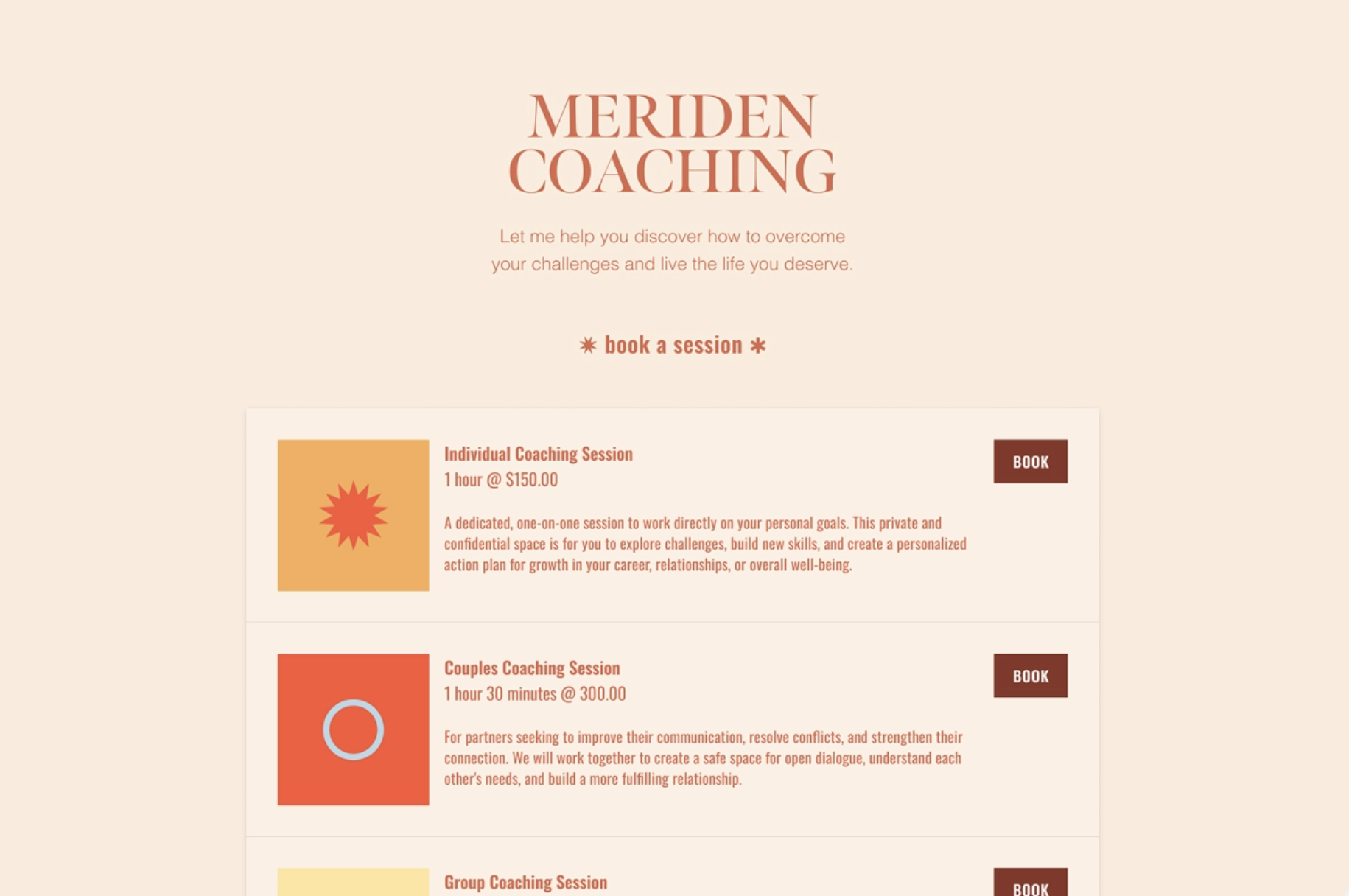
Scheduling Architecture
Appointment types, session lengths, availability settings, buffer times, cancellation windows, travel time settings.
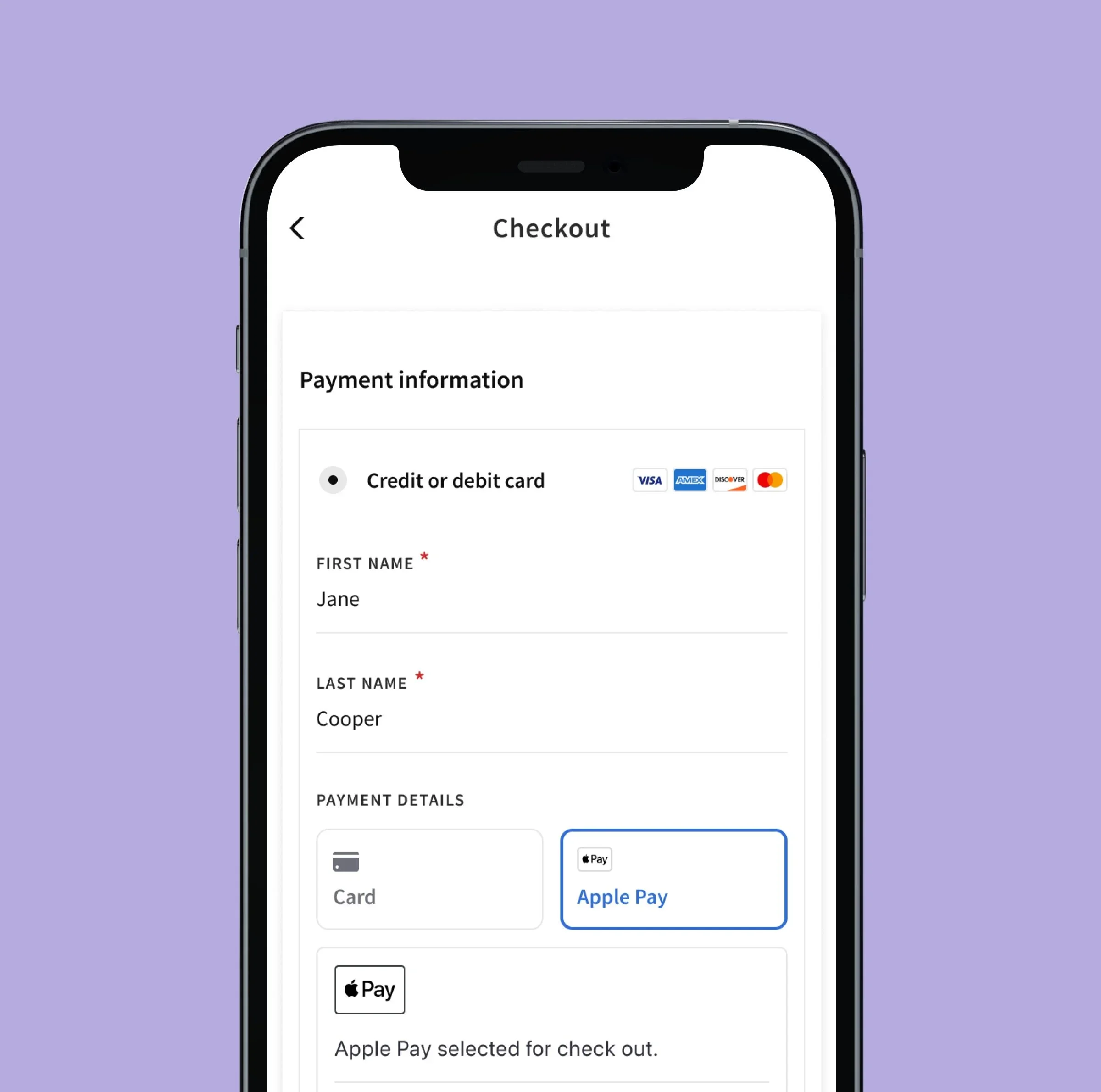
Payment Processing
Stripe integration, collecting deposits and full payments, recurring subscriptions or payment plans, package setup.
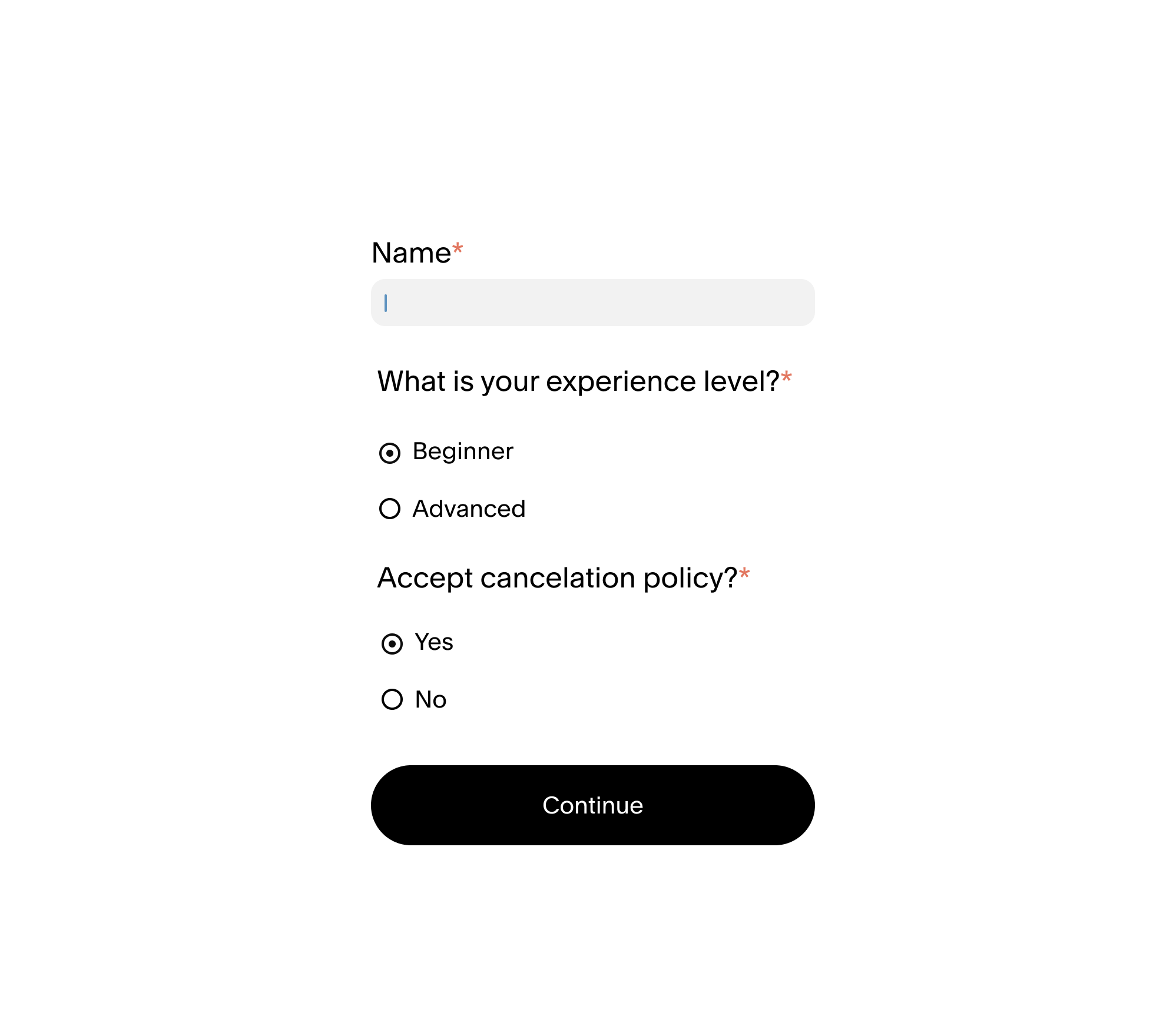
Client Intake Forms
Waivers, contracts, questionnaires, onboarding forms, consent forms.
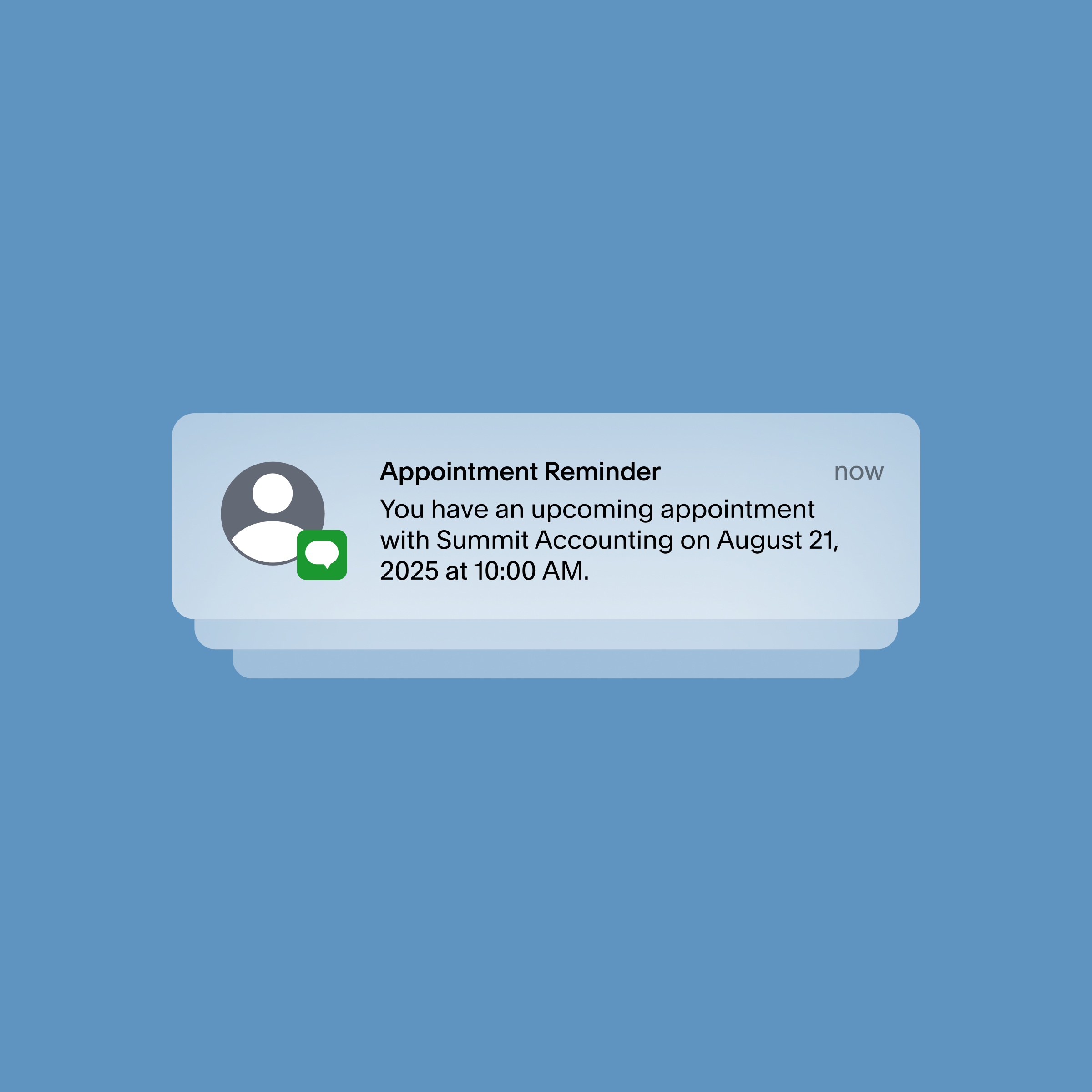
Automated Workflows
Confirmation emails, reminder emails, follow-up emails, appointment instructions, automatic Zoom links, calendar syncing.
Website Integration
Most importantly… making sure your scheduling system actually feels integrated into your website and brand instead of looking disconnected or confusing.
Why This Matters More Than People Think
A smooth booking experience creates trust before clients even meet you. If your booking process feels:
👎🏻 confusing
👎🏻 disorganized
👎🏻 slow
👎🏻 inconsistent
… people subconsciously associate that mess with your business itself, aka YOU as a person! On the other hand, when clients can:
✅ easily book
✅ immediately pay
✅ receive confirmations
✅ understand next steps
✅ sign forms online
…it creates a calm, professional customer experience, and also makes YOUR life dramatically easier.
Signs It’s Time To Upgrade Your Booking Process
Your business should not depend entirely on your memory and manual effort to function. You probably need a real online booking system if:
😫 clients constantly text or DM you asking for availability
😫 you’re manually sending invoices
😫 you lose track of inquiries
😫 you’re getting scheduling confusion
😫 you forget follow-ups
😫 your cancellation policy is inconsistent
😫 you feel chained to your phone
😫 booking appointments takes too much emotional energy
Why I Use Squarespace + Acuity
There are a lot of booking platforms out there, but I ONLY recommend Squarespace + Acuity because it allows small business owners to keep the following connected in one ecosystem:
✅ their website
✅ scheduling
✅ forms
✅ payments
✅ branding
✅ email marketing
✅ customer experience
That means:
fewer disconnected apps
less tech overwhelm
cleaner workflows
easier backend management
a more professional client experience
For a small businesses, simplicity matters more than having 17 complicated tools.
Final Thoughts ✨
You did not start your business to spend your entire day:
🚫 answering booking texts
🚫 chasing payments
🚫 coordinating schedules
🚫 manually managing appointments
At some point, the DIY “just text me” system stops being sustainable. A streamlined online booking system:
saves time
reduces stress
improves professionalism
creates smoother client experiences
reduces admin burnout
helps your business scale more sustainably
Your website should not just look good… It should actively reduce your workload. If your current website is creating more confusion, admin work, or overwhelm behind the scenes, it may be time to rethink how your business operates online and see how I can help you!